Easy to use. Built for a day in wine country.
Browse Niagara wineries, keep track of where you’ve been and where you want to go next, and organize the trip.
Create an account so your visits, notes, and trips stay with you.
Placeholder links — these open store search until the Next Pour listings are live.
Prefer to browse in your browser? Open the web app ↗
An interactive companion for the Niagara region.
List and map
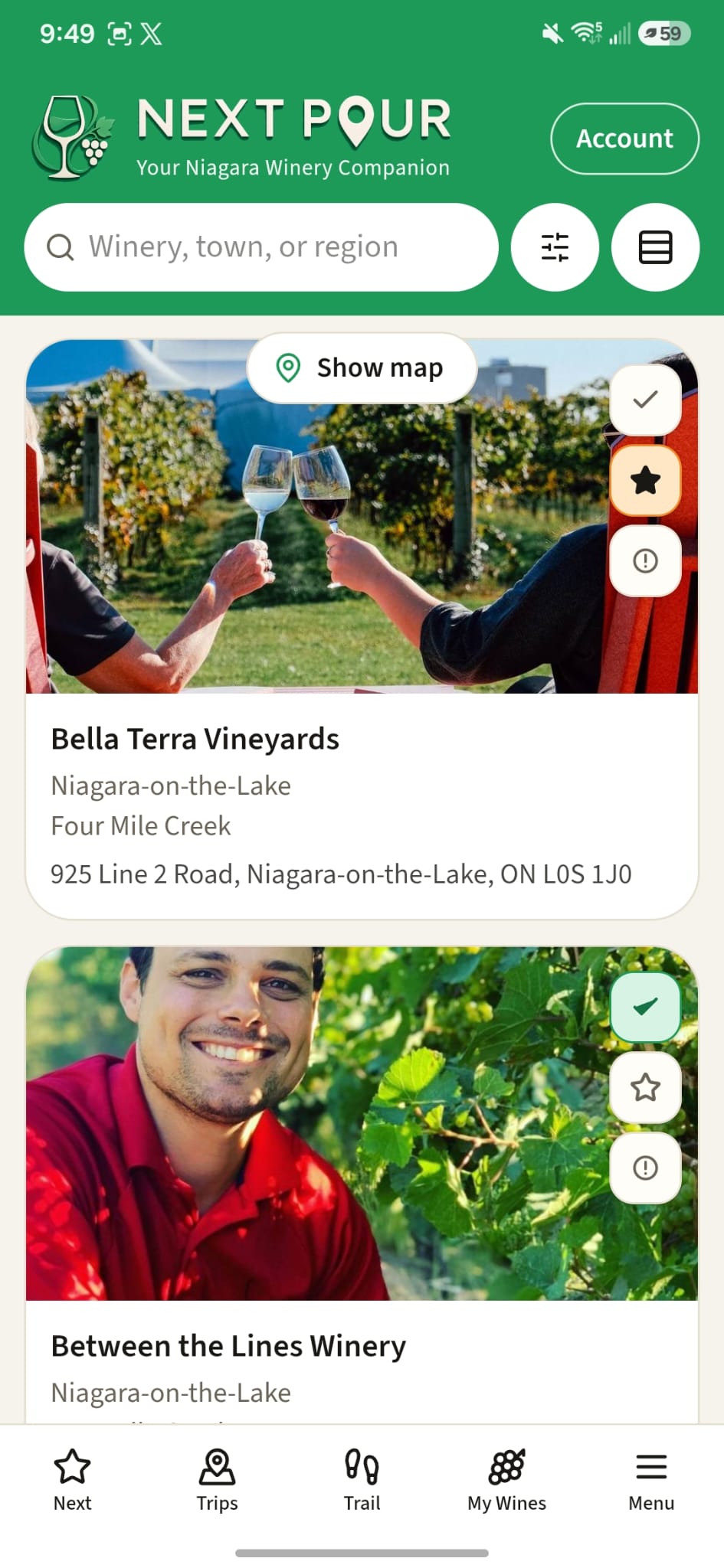
Browse every winery in a list or on the map. Search by name or town, and see what’s nearby from where you are.
Where you’ve been, and where to go next
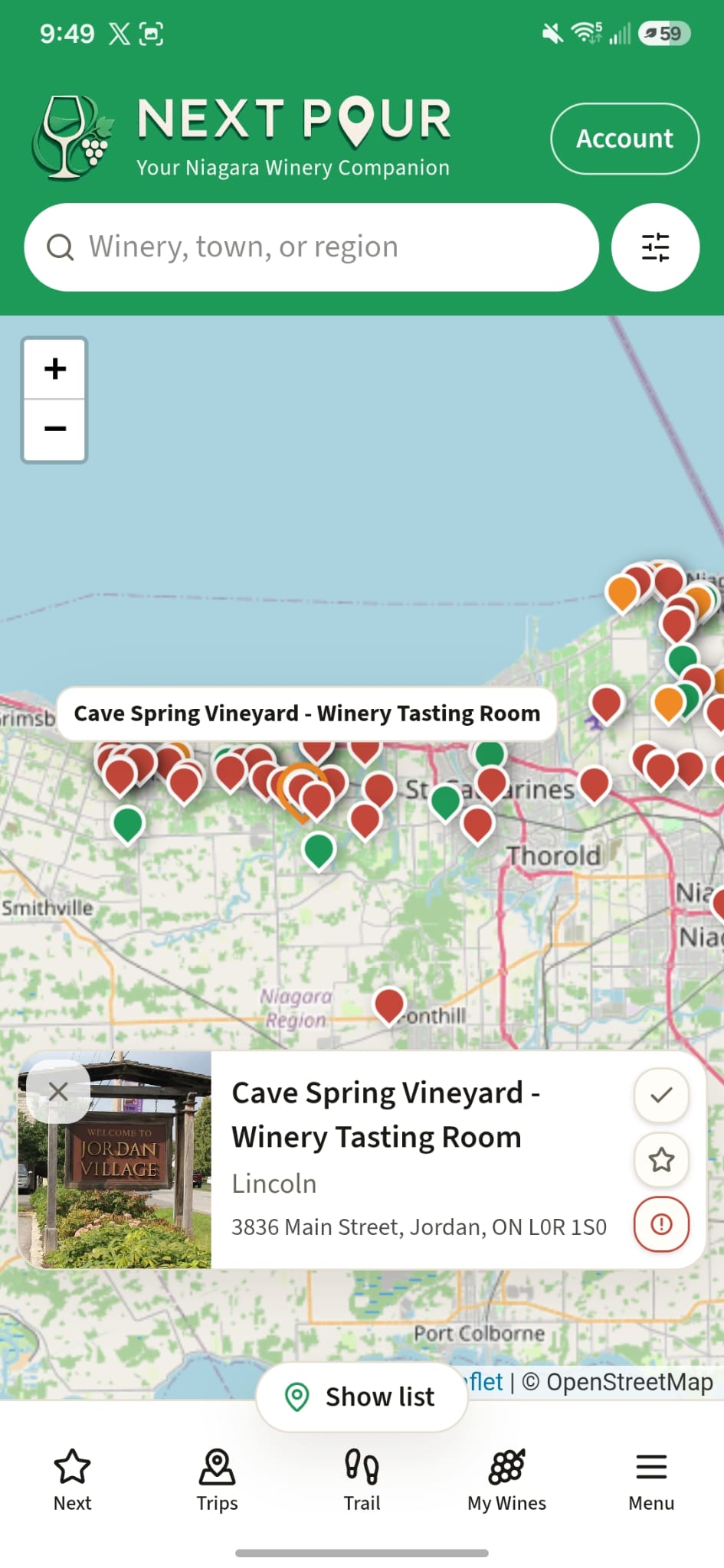
Mark the wineries you’ve visited and the ones you want next. The list stays clear about what’s done and what’s still ahead.
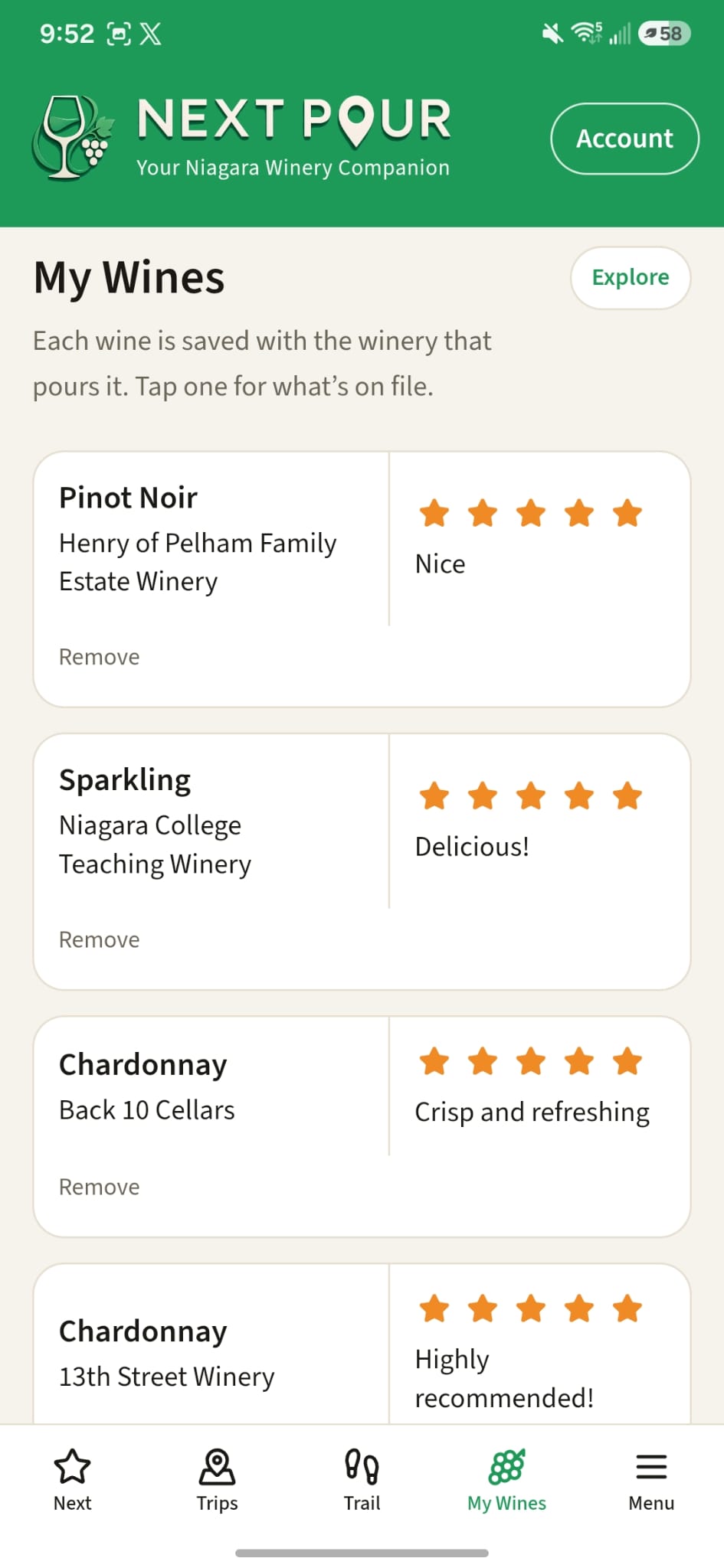
Notes, ratings, and favorites
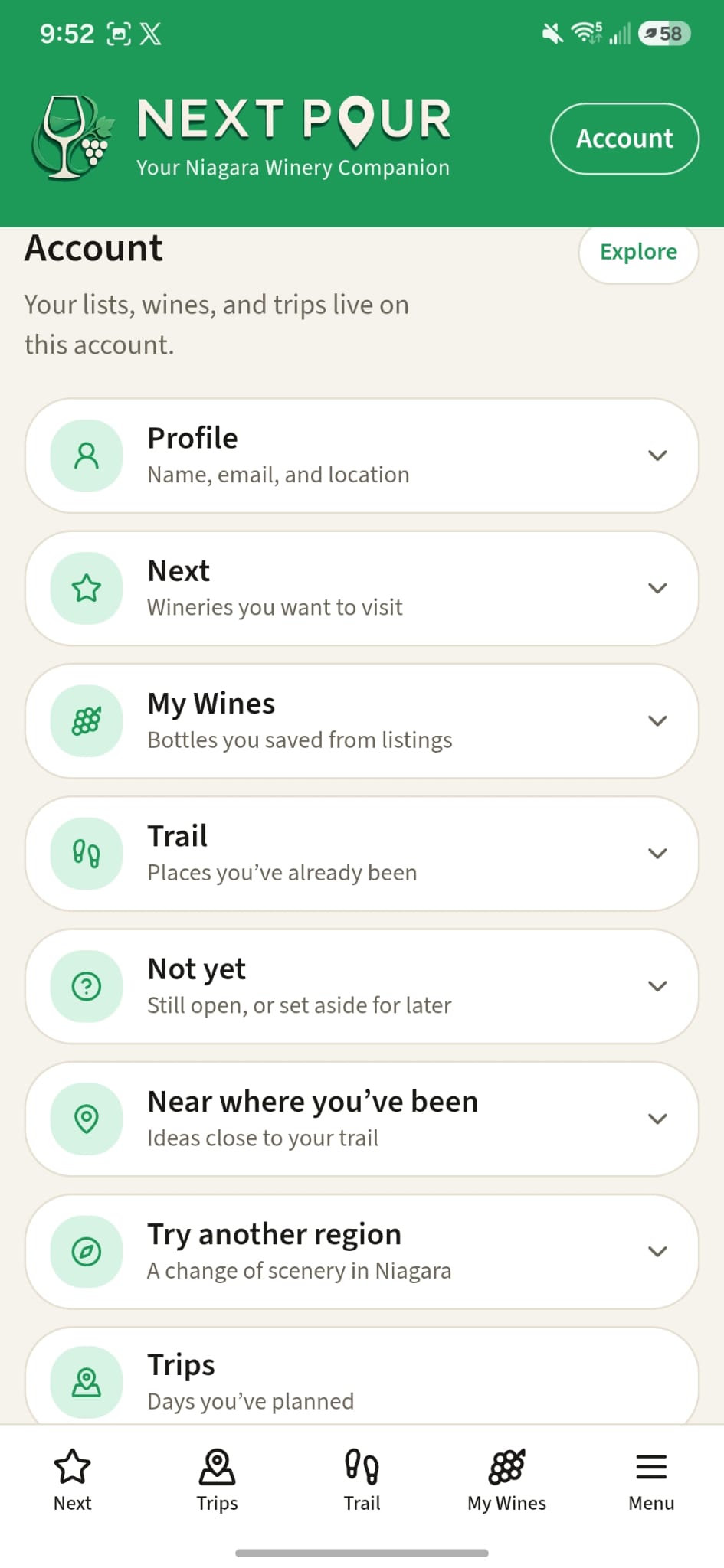
Add notes and a rating on the winery. Remember the wines you liked, and keep your preferences and favorites in one place.
Three steps to the next pour.
Download and create your account
Get Next Pour on the App Store or Google Play, or open the web app. Create an account so your list stays with you.
Explore and track
Browse the region in a list or on the map. Mark where you’ve been and where you want to go next.
Plan your next pour
Find your favorite wines, then line up a trip and open navigation when you’re ready — with a safe ride sorted first.
A short walkthrough is on the way.

Placeholder — the screen recording isn’t posted yet.
Plan a trip. Explore Niagara.
Browse the interactive map based on your location.
Select the wineries you want to go to next.
Add them to a trip, then open navigation. Explore the region and find new favorites.
Your next pour is on the map.
Download Next Pour and start a Niagara list you’ll actually use.